
Description
BlockCrate adds twenty-four blocks to the WordPress block editor. Each one is built on
the editor’s own design tools rather than a parallel set of controls, so colour,
typography, spacing, borders and shadows come from your theme and behave the way
core blocks do.
The blocks work before their JavaScript loads. The accordion is a native
details element, the carousel is a scroll-snap strip, the progress bar renders
at its final value, and the tabs fall back to a plain stack of labelled
sections. Scripts only ever upgrade what is already there.
Blocks
- Accordion — collapsible panels holding any other blocks. Uses native
details elements, so keyboard support, screen reader semantics and
find-in-page expansion come from the browser. Panels can open one at a time
with no JavaScript at all. - Tabs — horizontal or vertical tabbed panels following the WAI-ARIA tabs
pattern, including roving tabindex and arrow key navigation. - Testimonial Grid — testimonials as a responsive grid or a carousel, with
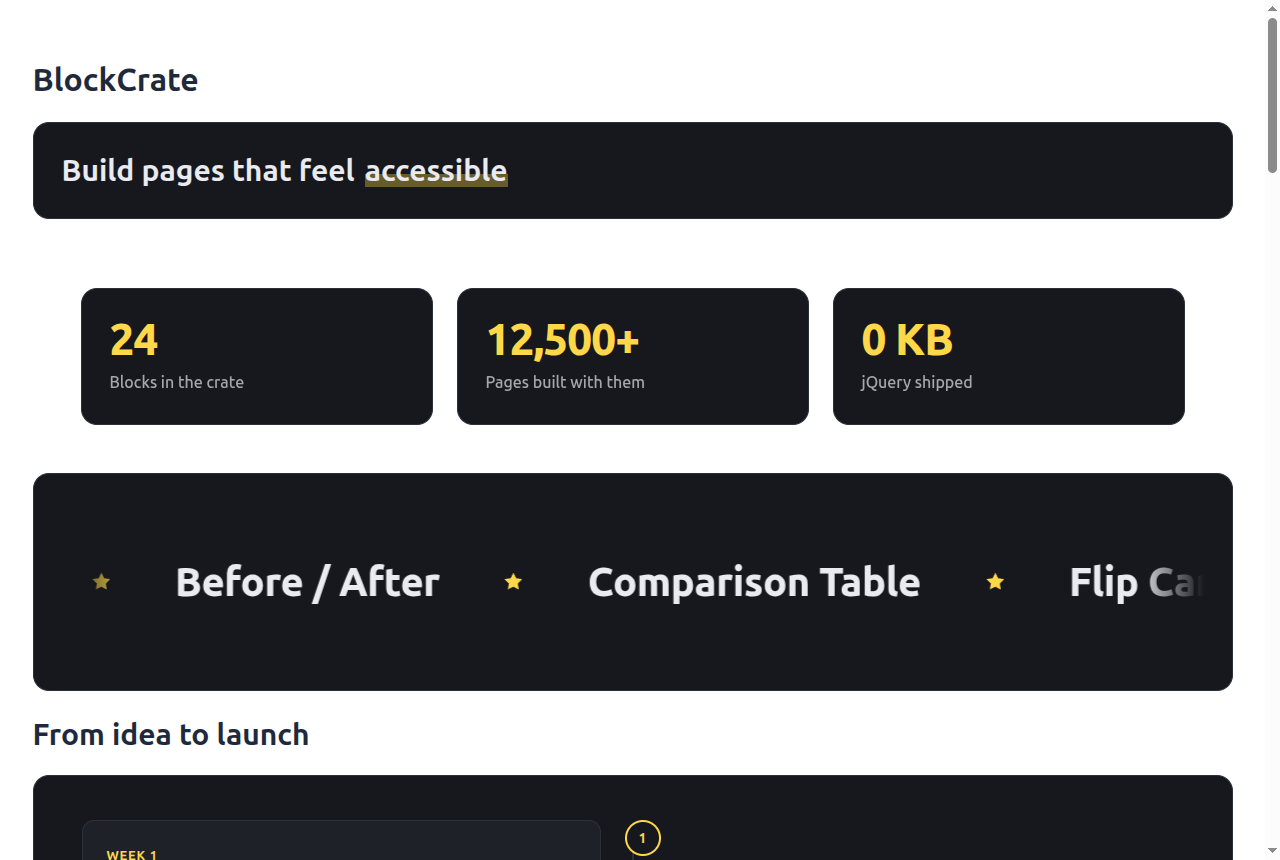
star ratings, avatars from the media library, and initials as a fallback. - Countdown — counts down to a date and time, with selectable units and a
choice of what happens when it ends. - Info Box — an icon or image with a heading, text and link. The whole card
can be made clickable while keeping one meaningful link for screen readers. - Pricing Table — plans side by side, each with a price, a multi-line
description, a feature list and a call to action. Accent colour, card
background, borders, corner radius, padding, price size and the button style
are all adjustable. One plan can be highlighted, and the badge that names why
carries the meaning so it is not left to colour alone. - Progress Bar — a labelled bar that fills when it scrolls into view, and
respects a reduced motion preference. - Image Slider — images in a swipeable slider, one or several at a time,
each with an optional caption and link. The frame shape, the crop and where
the caption sits are all adjustable. It can advance on its own, and when it
does it pauses on hover and on keyboard focus and never runs at all for a
visitor who has asked for reduced motion. - Page Slider — your published pages, or any other public post type, in a
slider built from a live query rather than a copy. Each slide carries the
featured image, title and excerpt, and the page it sits on drops out of its
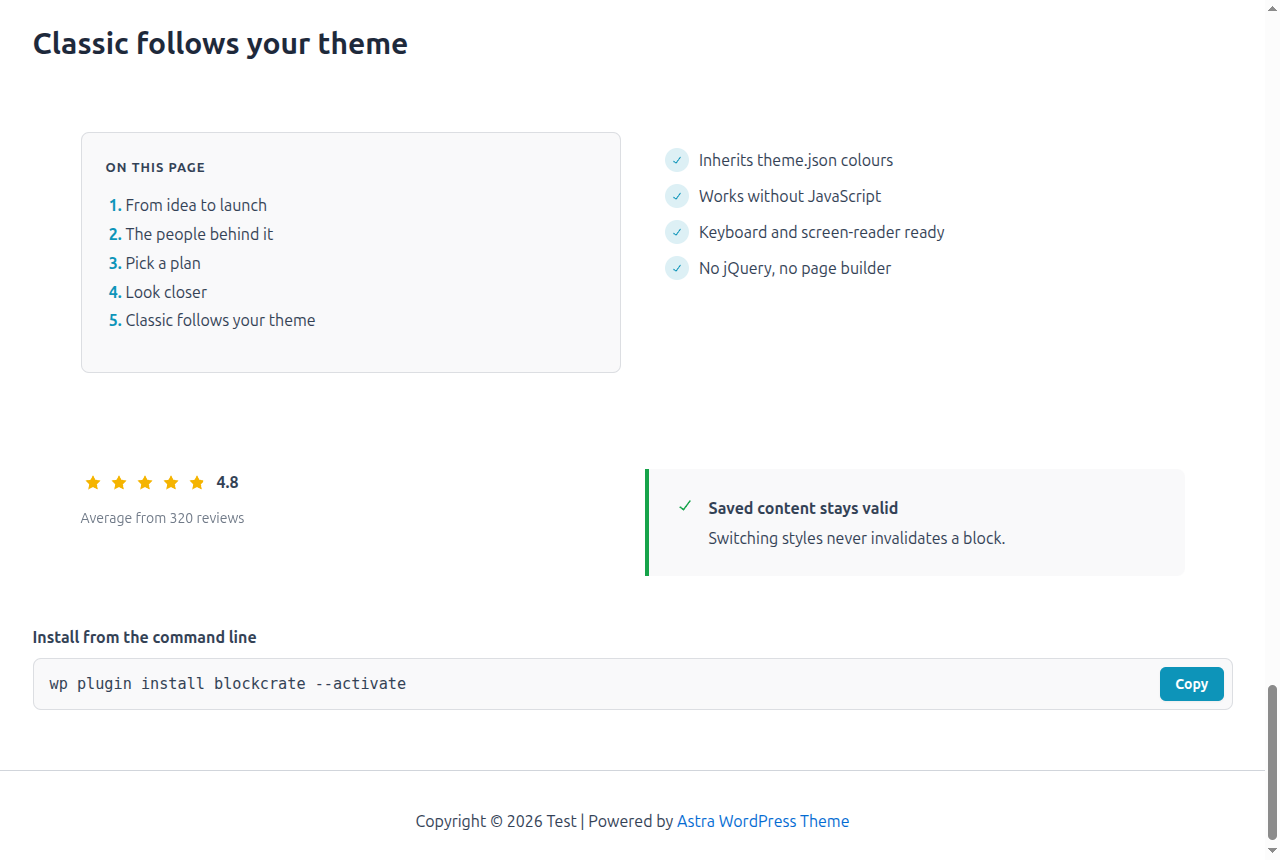
own results. Rendered on the server, so it never goes stale. - Table of Contents — a linked list of the page’s headings, rebuilt from the
saved content on every view so it never goes stale. Headings without an
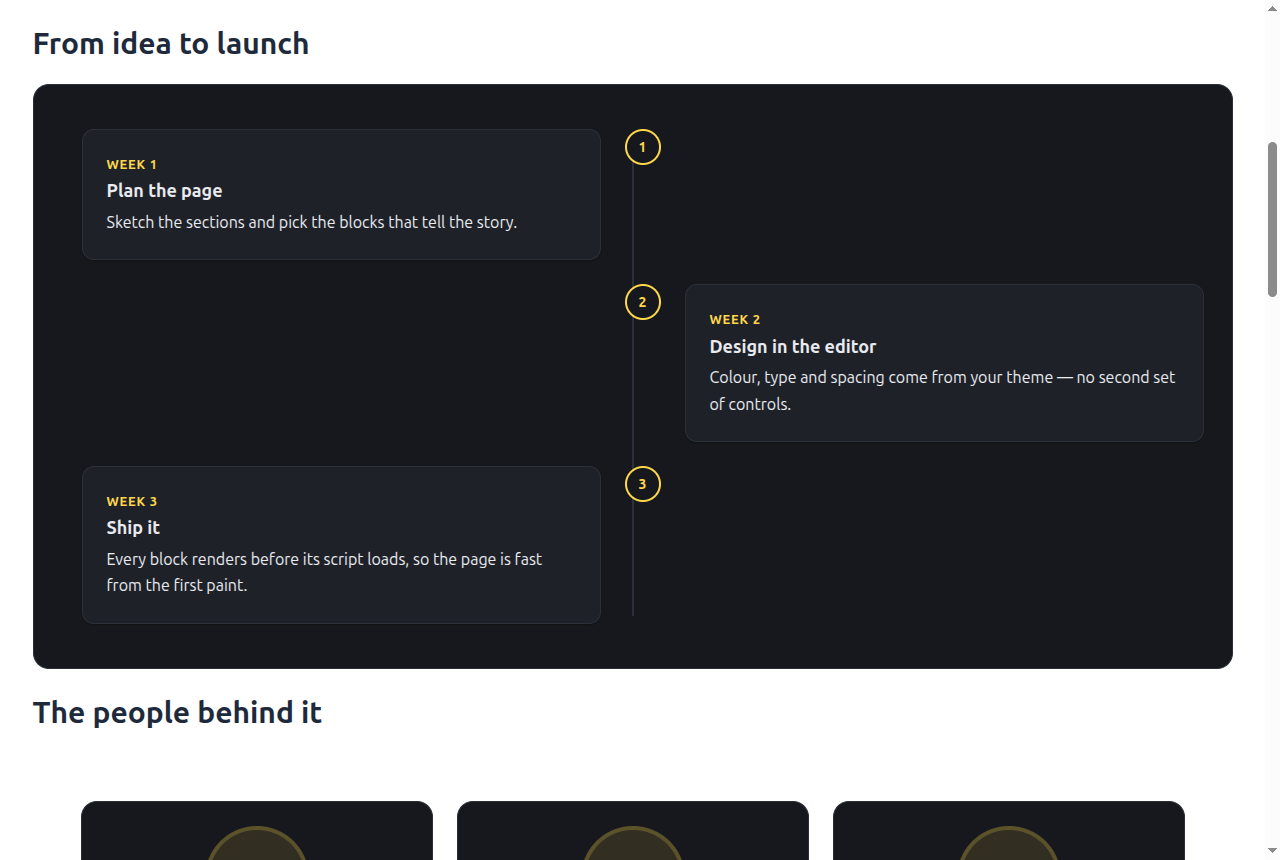
anchor are given one automatically. Optional numbering and collapsing. - Timeline — dated milestones or numbered steps, on one side or
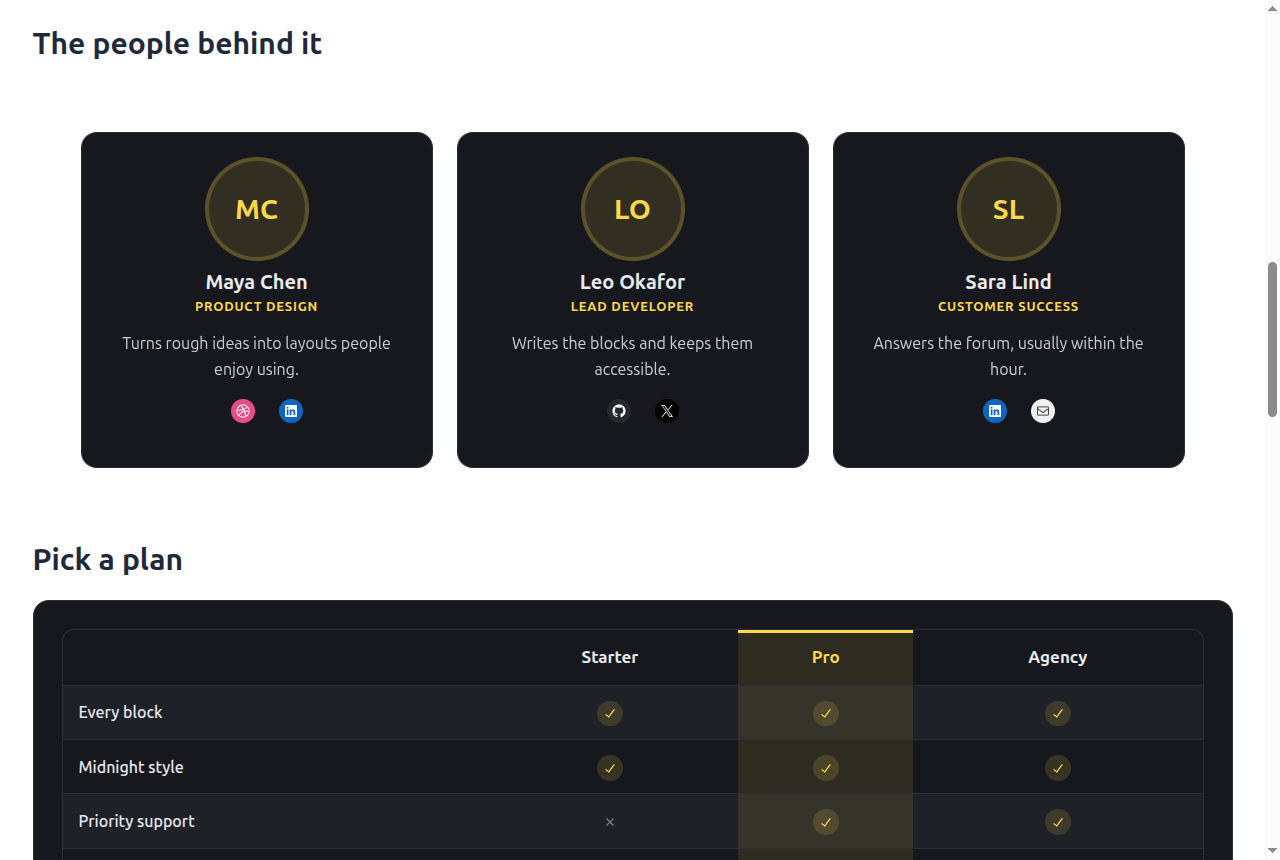
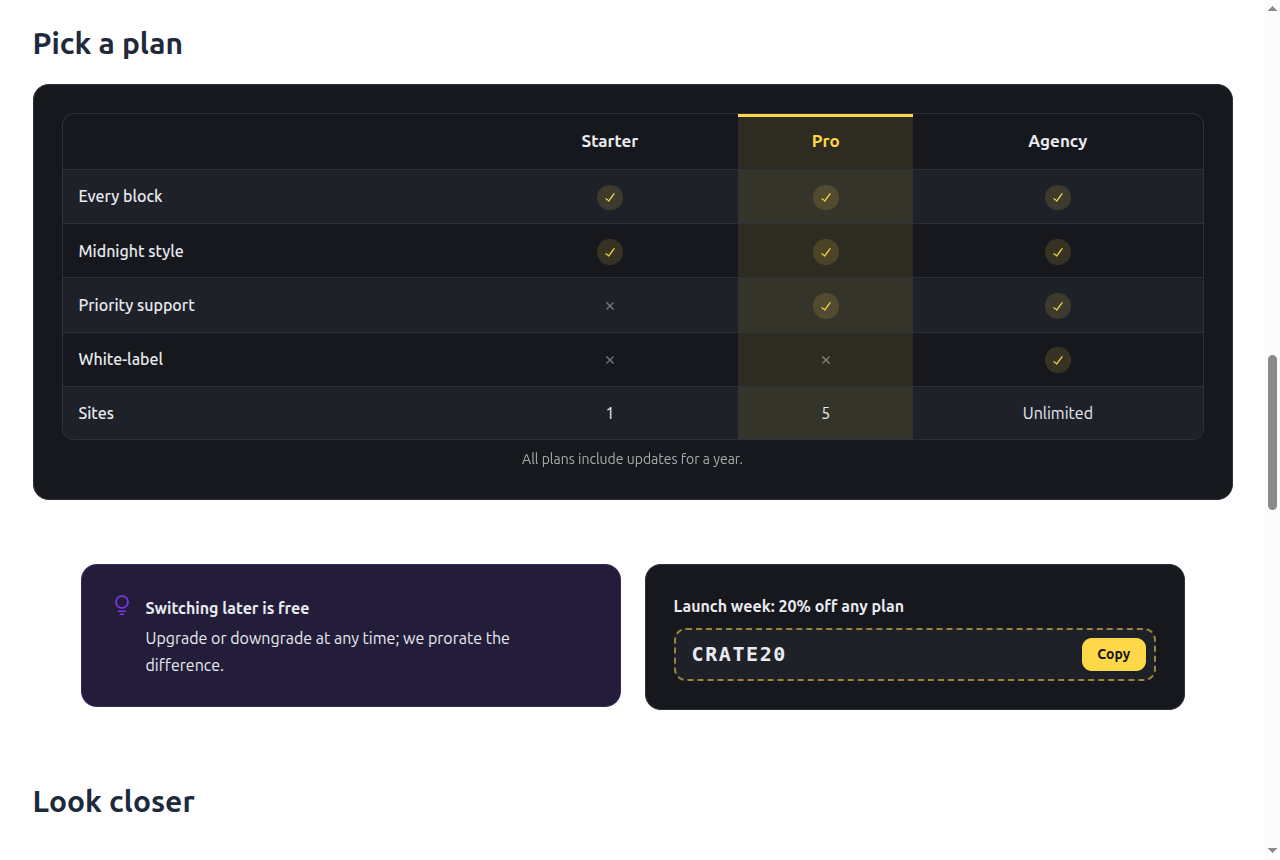
alternating, each entry holding any blocks. - Comparison Table — plans or products feature by feature. Type yes or no
in a cell for a tick or a cross; any other text shows as written. One column
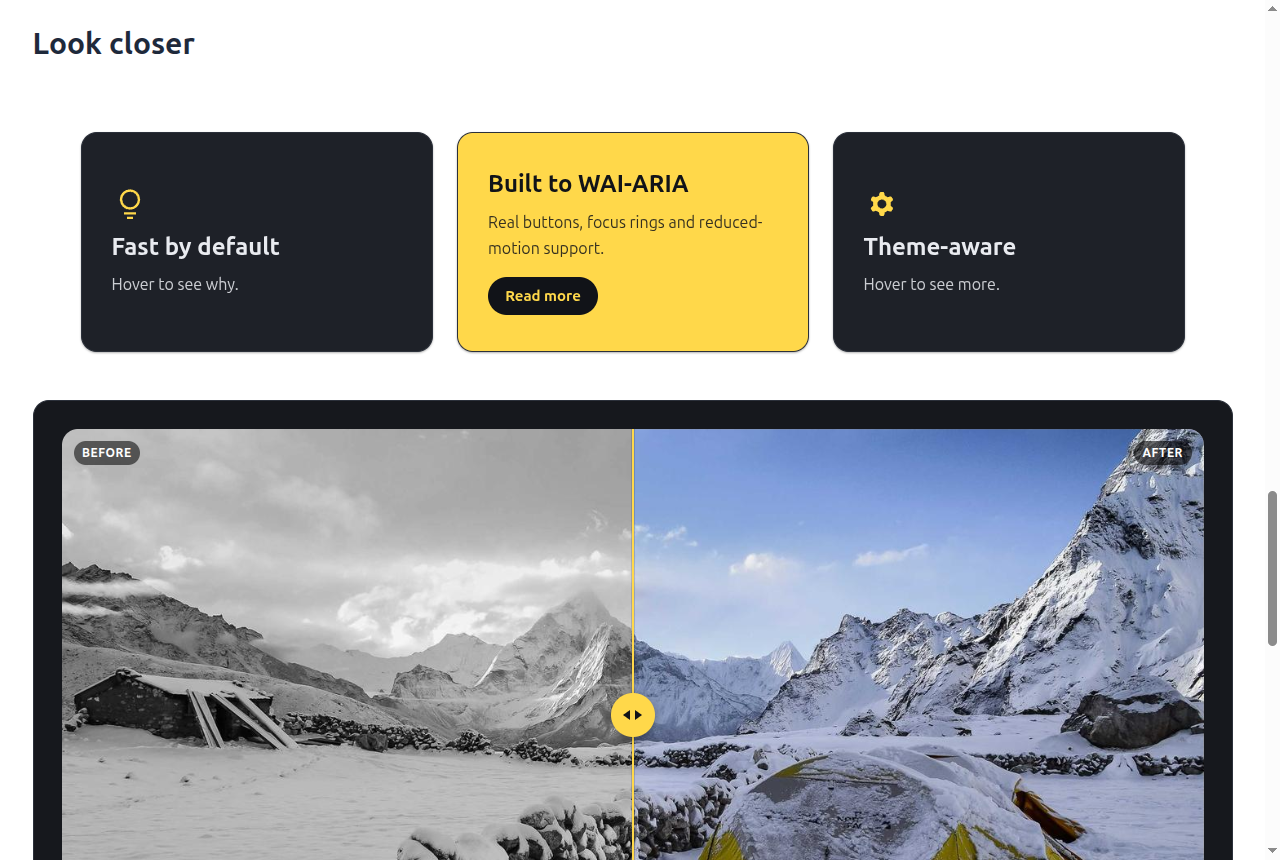
can be highlighted, and a wide table scrolls on a phone. - Before / After — two images with a draggable divider. The divider is a
native slider, so arrow keys work, and without JavaScript the images sit at
a fixed split. - Number Counter — a headline statistic that counts up as it scrolls into
view. Screen readers hear only the final number. - Flip Card — turns over on hover or keyboard focus to reveal more detail
and a button on its back. - Animated Headline — a heading whose highlighted word rotates, slid,
faded or typed in. Assistive technology reads one plain sentence. - Notice — a note, tip, success, warning or important callout holding any
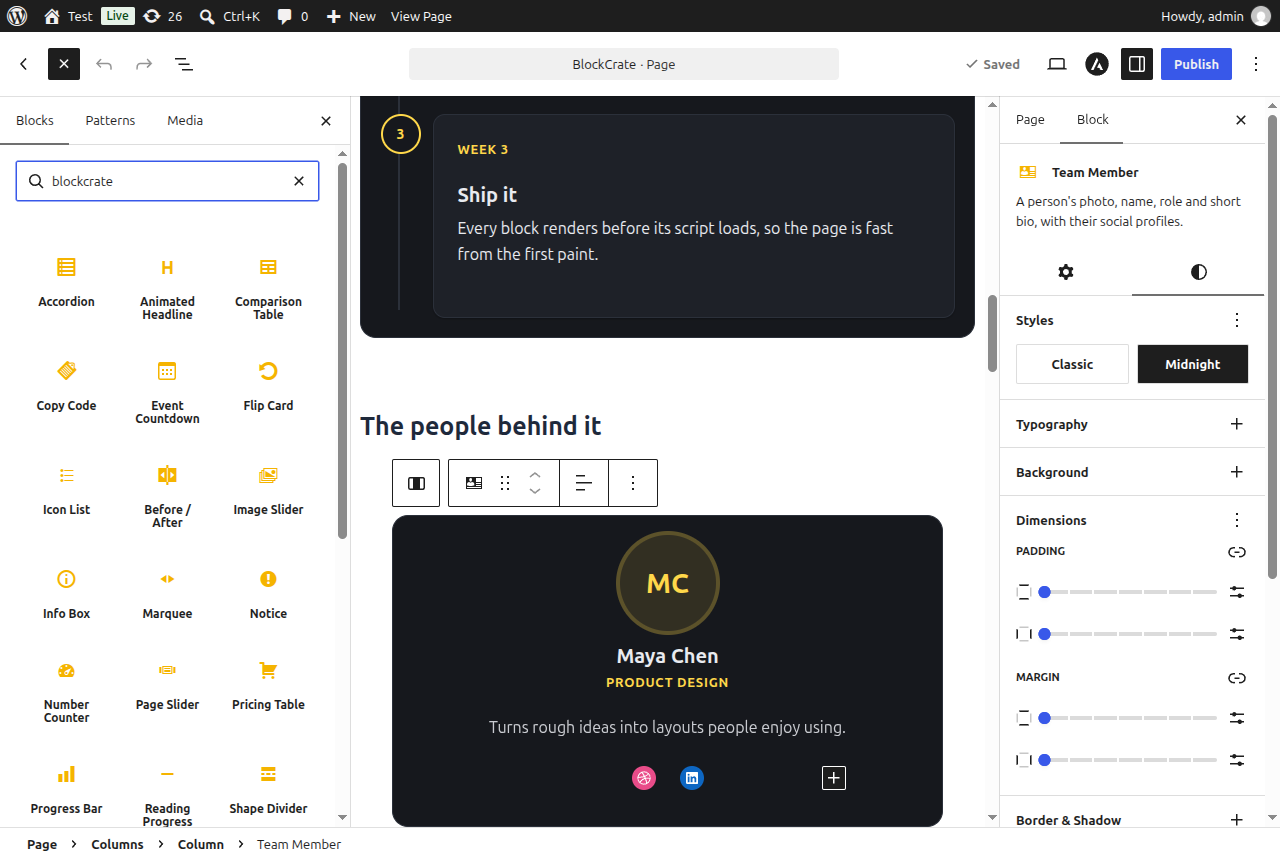
blocks, each type with its own icon as well as its own colour. - Team Member — a photo, name, role and bio, with the person’s social
profiles through core’s Social Icons block. Initials stand in for a missing
photo. - Copy Code — a coupon, licence key or command with a one-click copy
button that announces itself to screen readers. - Icon List — a checklist or feature list with an icon on every item, in
one to four columns. - Marquee — an endlessly scrolling strip of words for announcements or
client names. Pauses on hover; still for anyone who prefers reduced motion. - Star Rating — a score as stars with fractional fills and a caption.
- Shape Divider — a wave, curve, tilt, zigzag or peaks shape between two
sections. - Reading Progress — a thin bar pinned to the top or bottom of the screen
that fills as the visitor reads.
Midnight style
Every block can switch between a Classic look that follows your theme and
Midnight, a dark panel with gold accents. New blocks are inserted in
Midnight; one click in the editor’s Styles panel switches back. Content saved
before the style existed keeps the look it was saved with.
Section library
A Library button in the editor’s top bar opens seventeen ready-made
sections — heroes, features, pricing, FAQs, testimonials, team, stats, calls to
action and two full pages — with a live preview at desktop, tablet and phone
widths. Insert one and change the words. The sections ship inside the plugin and
also appear in the editor’s own Patterns tab; nothing is downloaded.
Icon picker
Info Box, Icon List and Flip Card pick their icon from a searchable grid of more
than 300 icons in twelve categories.
Starting layouts
Pricing Table, Testimonial Grid, Info Box, Team Member, Timeline and Comparison
Table open with a choice of starting layouts, each shown as a live thumbnail.
Settings
Settings BlockCrate switches individual blocks out of the inserter, picks
whether new blocks start in Midnight or Classic, and sets the Classic accent
colour and corner radius for the whole site. A block switched off keeps working
wherever it is already used.
Accessibility
Interactive blocks are keyboard operable and expose the right roles and states.
Decorative graphics are hidden from assistive technology, ratings are announced
once rather than as a row of glyphs, and every animation is dropped when the
visitor prefers reduced motion.
Source Code and Build Process
This plugin is fully open source (GPLv3 or later) and contains no obfuscated or
minified-only code.
Where the source lives
The human-readable source for everything in build/ ships inside the plugin:
resources/js/blocks/— the editor bundle (TypeScript/React), one directory per blockresources/js/frontend/— the front-end view scripts, one file per blockresources/css/—style.css(front end) andeditor.css(editor chrome)-
app/,bootstrap/,config/— all PHP, unminifiedbuild/ contains nothing but the compiled output of those files.
How to rebuild it
The compiled output in build/ is produced from the sources above with
@wordpress/scripts (webpack), PostCSS and Tailwind. Requires Node.js 18+:
npm install
npx wp-scripts build

composer install restores the single PHP runtime dependency (PHP-DI) into
vendor/. The webpack, PostCSS and Tailwind configuration files are kept out of
the distributed archive, as the plugin directory does not accept .cjs files in
a published plugin. They are standard @wordpress/scripts configuration and are
available from the author on request.
Bundled third-party libraries
All are MIT licensed and GPL compatible:
- Embla Carousel 8.6.0 — https://github.com/davidjerleke/embla-carousel — powers the three carousels
- clsx 2.1.1 — https://github.com/lukeed/clsx — class name helper
- tailwind-merge 3.3.1 — https://github.com/dcastil/tailwind-merge — class name helper
Icon picker glyphs are copied from Lucide 1.53.0 — https://lucide.dev — ISC licensed (some
icons MIT, from Feather), GPL compatible. The licence text is kept in
resources/js/blocks/components/icon-picker/lucide-icons.ts.
React and the @wordpress/* packages are not bundled; they are loaded from
WordPress core as registered script dependencies.
Screenshots
Blocks
This plugin provides 27 blocks.
- Accordion Collapsible panels that can hold any other blocks.
- Event Countdown A countdown to a date and time, for launches, offers and events.
- Timeline A vertical sequence of dated milestones or numbered steps, on one side or alternating.
- Pricing Table Pricing plans side by side, each with a price, a feature list and a call to action.
- Animated Headline A heading whose highlighted word rotates through a list — typed, slid or faded in.
- Flip Card A card that turns over on hover or focus to reveal more detail and a link on its back.
- Team Member A person's photo, name, role and short bio, with their social profiles.
- Table of Contents A linked list of the headings on the page, kept up to date automatically.
- Reading Progress A thin bar pinned to the edge of the screen that fills as the visitor reads down the page.
- Icon List A checklist or feature list with one icon in front of every item.
- Info Box An icon, heading, text and link in one card, optionally linked as a whole.
- Page Slider Your published pages in a slider, each with its featured image, title and excerpt.
- Before / After Two images on top of each other with a draggable divider to compare them.
- Testimonial Grid Testimonials in a responsive grid, each with a quote, author and rating.
- Star Rating A score shown as stars, with fractional fills and an optional caption.
- Comparison Table Compare plans or products feature by feature. Type yes or no in a cell to show a tick or a cross.
- Tabs Tabbed panels that can hold any other blocks.
- Copy Code A coupon, licence key or command with a one-click copy button.
- Shape Divider A wave, curve, tilt, zigzag or peaks shape to break between two sections.
- Marquee An endlessly scrolling strip of words — for announcements, client names or skills.
- Number Counter A headline statistic that counts up when it scrolls into view.
- Image Slider Images in a swipeable slider, each with an optional caption and link.
- Progress Bar A labelled progress bar that fills when it scrolls into view.
- Notice A callout for a tip, a note, a success or a warning, holding any blocks.
- Timeline entry One dated entry in a timeline.
- Tab panel A single panel inside a tabs block.
- Accordion panel A single collapsible panel inside an accordion.
Installation
- Upload the plugin to
/wp-content/plugins/blockcrate, or install it from the Plugins screen. - Activate it.
- The blocks appear in the editor under the BlockCrate category.
FAQ
-
Do the blocks work without JavaScript?
-
Yes. Every block renders usable content before its view script runs, and the
scripts only add enhancements such as dragging a carousel or animating a bar. -
Can I style the blocks with my theme?
-
Yes. The blocks use the editor’s colour, typography, spacing, border and shadow
tools, so they inherit theme.json settings. Frontend styles are driven by CSS
custom properties prefixed--blockcrate-, which a theme can override without
!important. -
Does switching a block off break pages that use it?
-
No. A block switched off in Settings BlockCrate only leaves the inserter. It
stays registered, so existing content keeps rendering and stays editable. -
Does the section library load anything from the internet?
-
No. Every section, icon and preview ships inside the plugin.
Reviews
There are no reviews for this plugin.
Contributors & Developers
“BlockCrate” is open source software. The following people have contributed to this plugin.
Contributors
Translate “BlockCrate” into your language.
Interested in development?
Browse the code, check out the SVN repository, or subscribe to the development log by RSS.
Changelog
1.2.0
- New – Section library: seventeen ready-made sections and two full pages, opened from a Library button in the editor, with desktop, tablet and phone previews.
- New – Icon picker with search and twelve categories, adding more than 300 icons to Info Box, Icon List and Flip Card.
- New – Starting layouts with live thumbnails when inserting a Pricing Table, Testimonial Grid, Info Box, Team Member, Timeline or Comparison Table.
- New – Settings BlockCrate: switch blocks out of the inserter, choose Midnight or Classic for new blocks, and set the Classic accent colour and corner radius.
- Tweak – The editor remembers which settings panels you keep open, per block type.
- Fix – Testimonial quotes no longer take the theme’s blockquote colour, which made them unreadable in Midnight.
- Fix – Pricing Table feature icons follow the icon colour setting instead of always drawing in black.
- Fix – In Midnight, a stacked Info Box icon gets a badge the size of the icon rather than a full-width strip.
1.1.1
- Fix – Headings inside Midnight blocks no longer take the theme’s dark heading colour.
- Fix – Timeline entries, accordion panels and tabs inside a Midnight block use the gold accent instead of the theme colour.
- Fix – Paragraph spacing from themes such as Astra no longer pushes captions and labels away from their block.
- Fix – Table of Contents links no longer pick up the theme’s underline.
- Fix – The Animated Headline marker fits the word on screen rather than the longest word.
- Fix – Flip Card buttons and Comparison Table borders are no longer restyled by the theme.
- Fix – Blocks no longer show a Transform to variation” button in the sidebar.
- Tweak – Marquee and Icon List show a preview in the inserter.
- Tweak – New screenshots.
1.1.0
- New – Table of Contents, Timeline, Comparison Table, Before / After, Number Counter, Flip Card, Animated Headline, Notice, Team Member, Copy Code, Icon List, Marquee, Star Rating, Shape Divider and Reading Progress blocks.
- New – Midnight block style, gold on ink, offered on every block and applied to newly inserted blocks.
- Tweak – Block icons in the inserter are drawn in gold.
- Tweak – Testimonial and pricing cards lift on hover; countdown boxes get a card background.
- Tweak – New plugin icon and banner.
1.0.0
- Initial release.
- Accordion block built on native
detailselements. - Tabs block following the WAI-ARIA tabs pattern.
- Testimonial Grid block with grid and carousel layouts.
- Countdown block with selectable units.
- Info Box block with an icon or image.
- Pricing Table block with highlightable plans and design controls.
- Progress Bar block that fills on scroll and respects reduced motion.
- Image Slider block with captions, links, autoplay and a scroll-snap fallback.
- Page Slider block, rendered on the server from a live query.