

Description
Embed a full-featured support system into your WordPress website with CSQita. This plugin bridges the gap between automated efficiency and human customer relationships, ensuring you never miss a connection with your visitors.
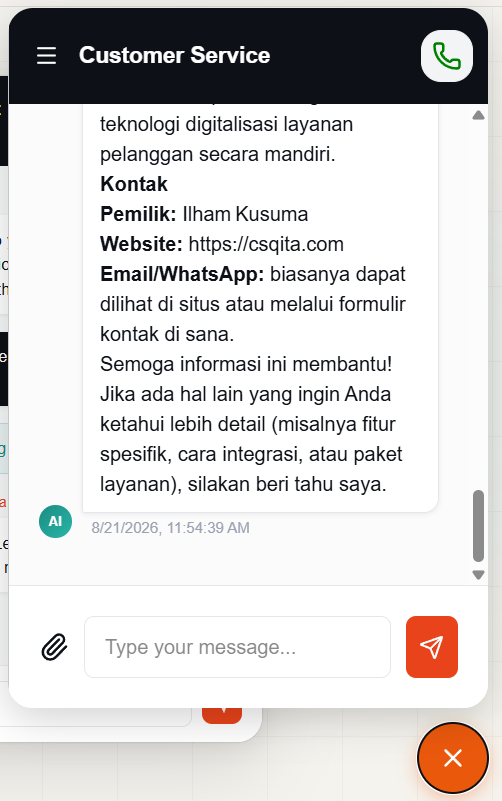
With CSQita, your visitors can initiate real-time text chats or seamless voice calls directly from your site—no phone trees, complex SDKs, or waiting on hold required.
The platform features an advanced AI Chatbot powered by Retrieval-Augmented Generation (RAG). You can easily train the AI assistant by uploading your own domain knowledge documents—such as PDF, DOCX, or TXT files. The AI operates 24/7, resolving routine tickets instantly while smoothly handing off complex conversations to your team when human touch is required.
Key Features
- Instant Live Chat & Voice Calls: Let visitors chat or call the website owner/agents with a single click.
- Smart AI Chatbot (RAG): Upload PDFs, DOCX, or TXT knowledge files to train your AI on FAQs and company documentation.
- Human Agent Supervision: See AI responses in real-time, override messages, or take over complex customer issues.
- Smart Escalation: AI automatically detects visitor frustration or high complexity to instantly route to an available agent.
External services
This plugin connects to an API to obtain CSQita chat widget, it’s needed to show the chat widget in wordpress based website that use this plugin to provide chat service to website’s visitor. CSQita is customer service platform that enable chat, call, and AI Customer Service Agent with feature such as RAG and human agent collaboration. CSQita is used as customer service channel that can be embedded into website using embed script. the script will create chat bubble and manage chat within the widget. the data that is sent to, or received by CSQita platform is:
– text, document, image when wordpress based website’s visitor use the widget to contact website owner.
– or audio when the visitor make a call to website owner.
This service is provided by CSQita Individual Limited Liability Company”: terms of use, privacy policy.
app/Url.php:32 ‘widget’ => ‘https://api.csqita.com’
Domain of CSQita backend to get widget, used when wordpress based website vist by someone.
app/Url.php:31 ‘api-public’ => ‘https://api-public.csqita.com’
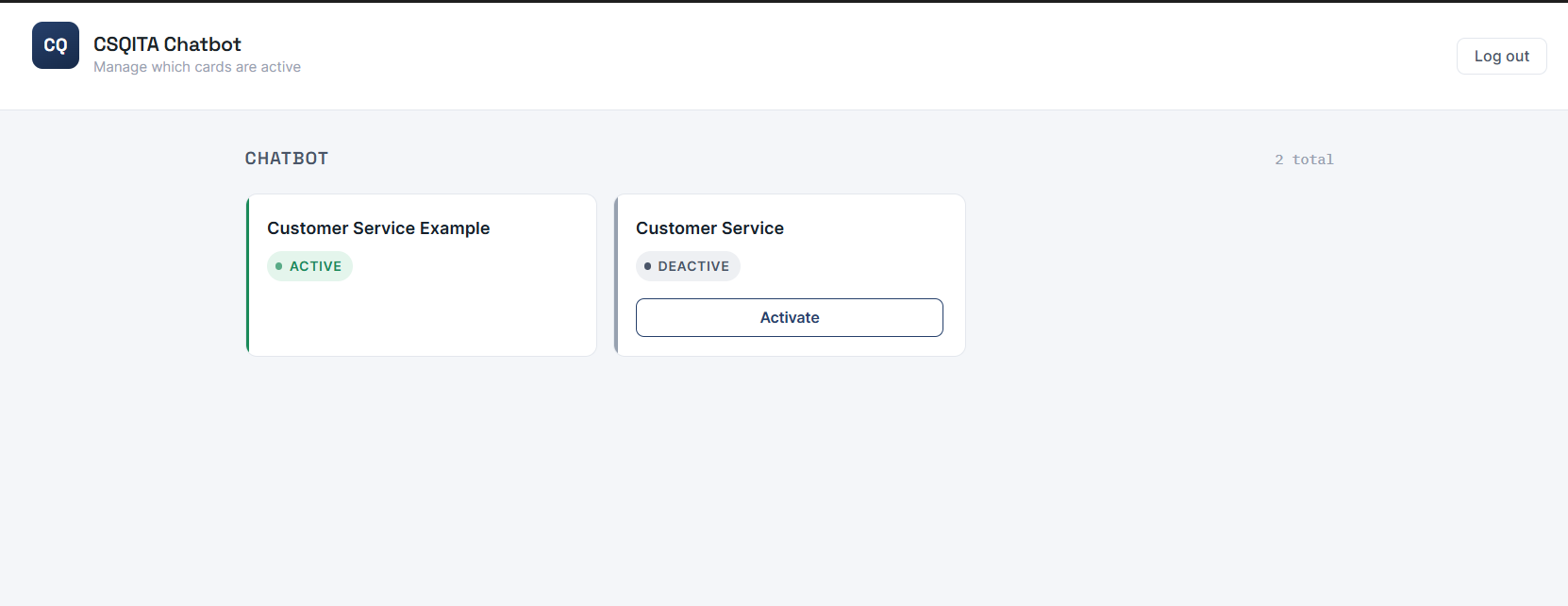
Domain of CSQita backend that provide login, getchatbot, activate, deactivate chatbot, and get chatbot token. used in dashboard, tool csqita admin page.
assets/js/app.js:19 post ‘https://api-public.csqita.com/anon/v1/login’
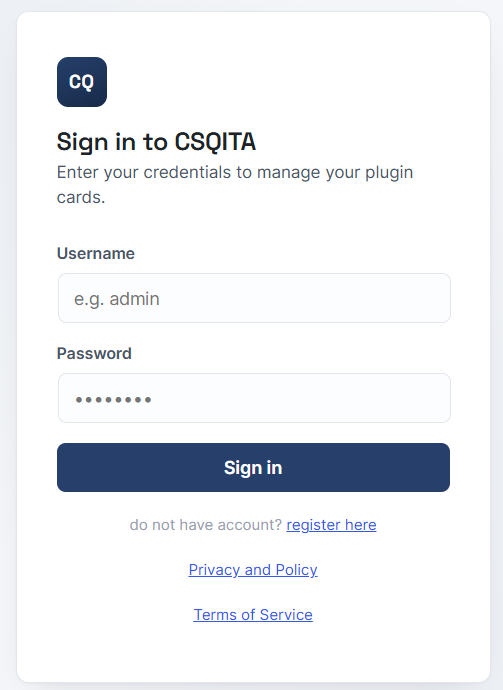
✨ this API is used to login, used in dashboard, tool csqita admin page.
assets/js/app.js:46 post ‘https://api-public.csqita.com/user/v1/chatbot’
✨ this API is used to change domain of chatbot to wordpress based website domain, used in dashboard, tool csqita admin page.
assets/js/app.js:59 post ‘https://api-public.csqita.com/user/v1/integration/token’
✨ this API is used to get chatbot token used for wordpress based website, used in dashboard, tool csqita admin page.
assets/js/app.js:117 get ‘https://api-public.csqita.com/user/v1/chatbot’
✨ this API is used to get all chatbot created in csqita platform, used in dashboard, tool csqita admin page.
assets/js/app.js:134 get ‘https://api-public.csqita.com/user/v1/domain’
✨ this API is used to get domain of particular chatbot, used in dashboard, tool csqita admin page.
app/Url.php:46 ‘iframe_src’ => ‘https://api.csqita.com/public/noauth/widget’
✨ this API is used to download widget script, used when wordpress website visit by someone
app/Url.php:30 $urls = [
‘api’ => ‘https://api-public.csqita.com’,
‘widget’ => ‘https://api.csqita.com’
];
✨ Defines CSQita external service endpoints, and the widget endpoint is used to load a remote script.
app/Url.php:104 https://csqita.com/terms
✨ CSQita Terms of Service.
app/Url.php:113 https://csqita.com/privacy
✨ CSQita Privacy and Policy.
Screenshots
Installation
- Upload the csqita plugin folder to the /wp-content/plugins/ directory, or install it directly via the WordPress admin panel under Plugins > Add New.
- Activate the plugin through the Plugins menu in WordPress.
- Navigate to the new CSQita settings menu in your WordPress dashboard.
- Input your CSQita widget integration token or script tag settings to go live instantly.
FAQ
-
Absolutely. Visitors can initiate a voice call directly within the chat widget whenever text communication is not enough.
Reviews
There are no reviews for this plugin.
Contributors & Developers
“CSQita Chat & CS” is open source software. The following people have contributed to this plugin.
Contributors
Translate “CSQita Chat & CS” into your language.
Interested in development?
Browse the code, check out the SVN repository, or subscribe to the development log by RSS.
Changelog
1.0.0
- Initial public release.
- Integration of the core CSQita chat widget.
- Added support for live customer chat and direct voice calling.
- Integrated RAG-powered AI assistant with document training capabilities (PDF, DOCX, TXT).